
Aviunion v0.3: A Redesigned Search Experience
v0.3 refreshes Aviunion from the home page through booking. You can compare exact-date flights across nearby airports, keep your search criteria in view as you plan, find product news and guides in one place, and open a short visual guide for each search tool.
A New Home For Every Kind Of Trip
The redesigned home page gives Search, Multi-Origin, and Calendar Search their own focused starting points. A refreshed header and navigation make the main planning tools, account features, Updates, and Roadmap easier to reach on desktop and mobile.
Search Exact Dates Across Nearby Airports
The new Search tab is for when you already know your dates and want to compare a few airports or destinations at once. Add up to five departure airports and five destination airports to compare as many as 25 route pairings in one search.

- See results for the routes that work, even if one of your requested pairings has no flights.
- Filter and sort by route, airline, stops, price, duration, layovers, and departure or arrival time.
- Pick an outbound flight, compare returns, then continue to available booking options.
- When signed in, revisit previous Search entries from Search History in your account, repeat them, or delete them.
News And Guides, Together
Blog posts, product news, and evergreen flight-planning guides now share one Updates page. Filter by All, Blog, News, or Guides. The home page continues to preview the newest dated updates, while the Guides tab keeps practical reference material easy to find. Existing Blog and News links still take you to the same content.
Help When You Need It
Use the question-mark button beside the search tabs for a short visual walkthrough of Flight Search, Multi-Origin Search, or Calendar Search. Each guide covers when to use the tool, what to enter, and what to expect from the results.
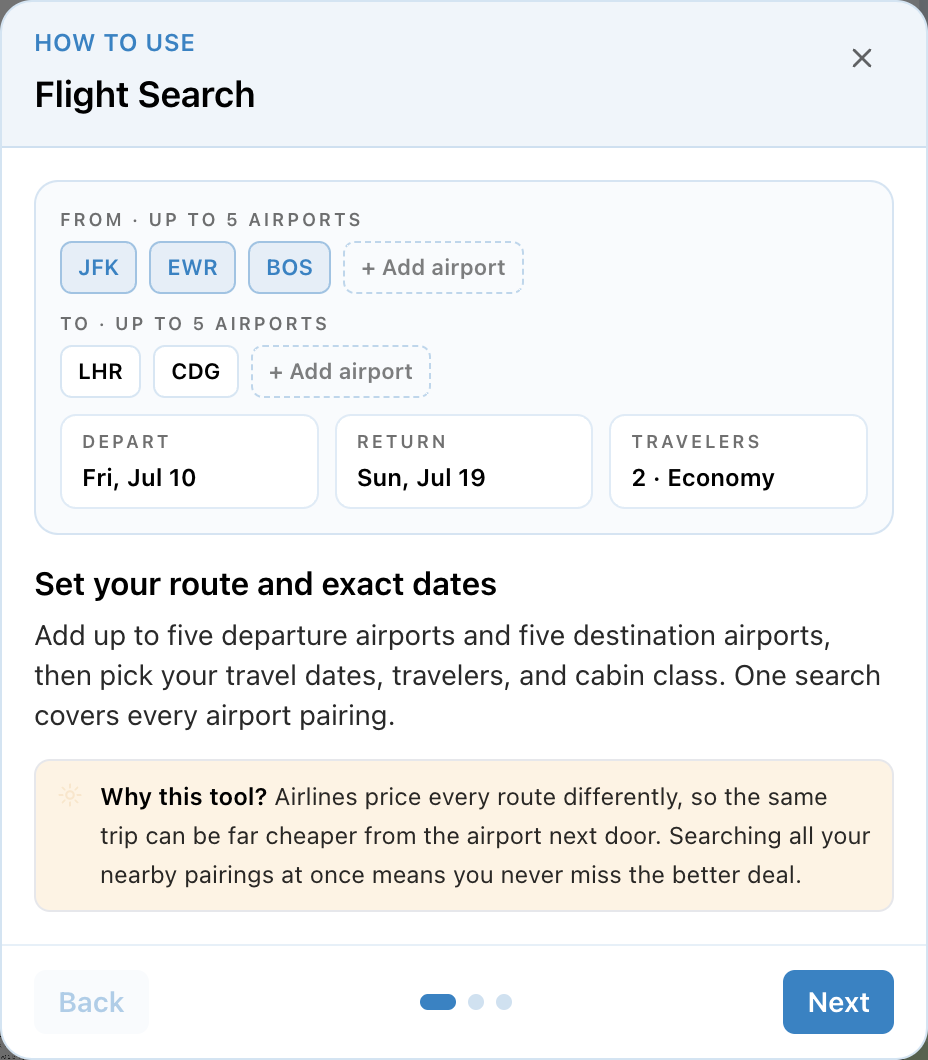
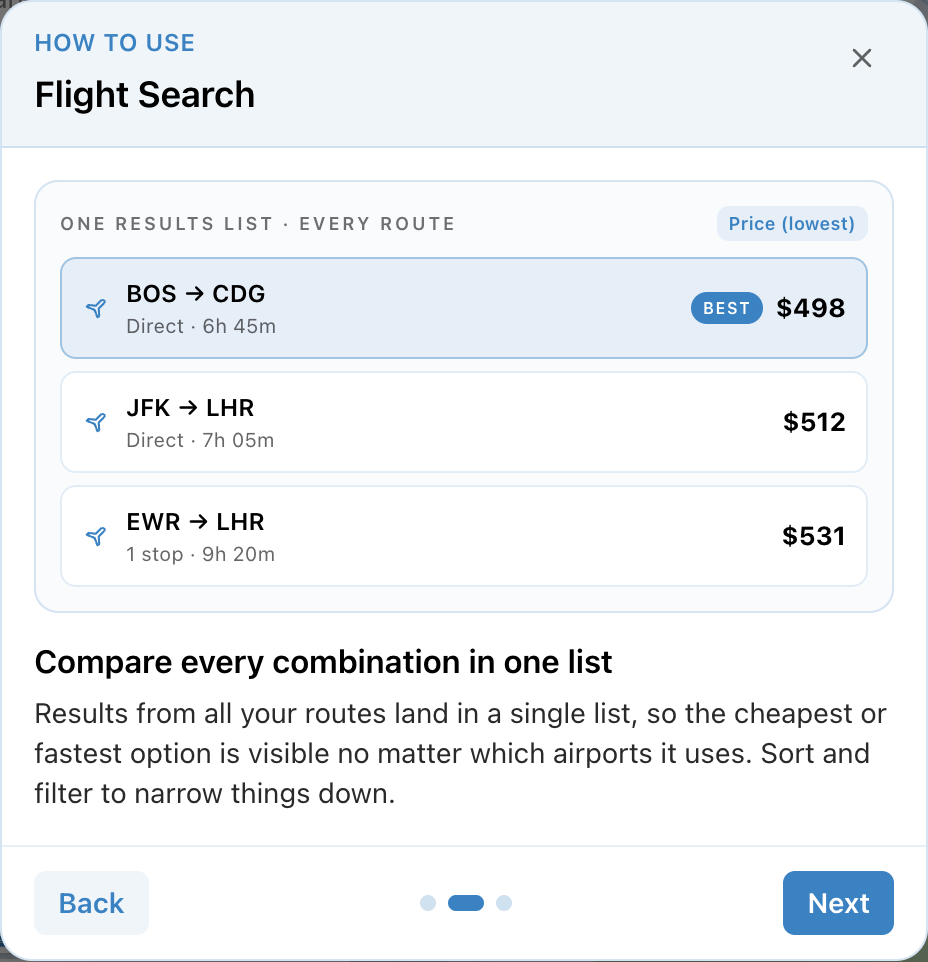
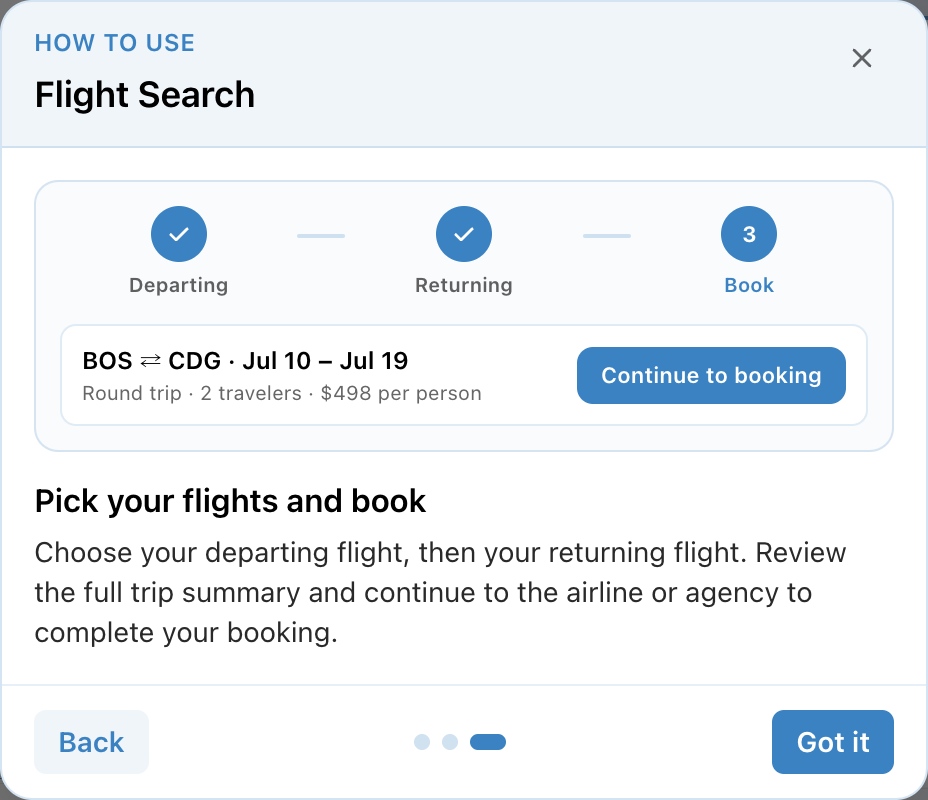
Figure 2: The three-step Flight Search help walkthrough.
Full Changelog
- Redesigned home page with focused starting points for Search, Multi-Origin, and Calendar Search
- Refreshed header and navigation for planning tools, account features, Updates, and Roadmap
- Search criteria stay visible and editable throughout an active journey
- Smoother transitions and clearer confirmation dialogs between search steps
- Consistent responsive design across flight results, booking screens, dialogs, and supporting controls
- New exact-date Flight Search across up to five departure and five destination airports (up to 25 route pairings)
- Review successful Search routes together even when one requested pairing has no flights
- Filter and sort Search results by route, airline, stops, price, duration, layovers, and departure or arrival time
- Select outbound and return flights, then continue to available booking options
- Signed-in Search History: revisit, repeat, or delete previous Search entries
- Blog posts, product news, and evergreen planning guides combined under Updates, with All, Blog, News, and Guides filters
- Newest dated updates previewed on the home page
- Existing Blog and News links continue to open the corresponding Updates content
- Built-in visual how-to guides for Flight Search, Multi-Origin Search, and Calendar Search
- Shared filter and sort options across Search, Multi-Origin, and Calendar flight results
- Improved multi-origin recommendations for better meetup discovery
- Smarter airport autocomplete that ranks major and regularly served airports first
- Expanded airport coverage so more destinations appear in search suggestions
- Clearer loading animations that explain what each search is doing
Ready to try v0.3? Start a search, and tell us what you think.